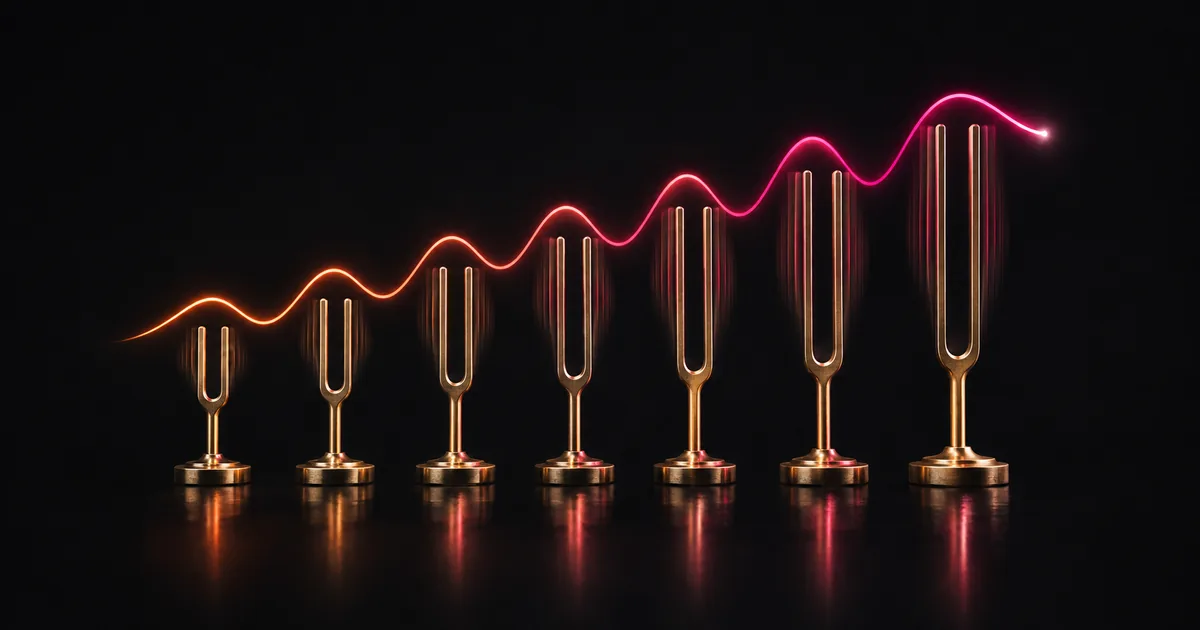
AtomCut animates text letter by letter, word by word or line by line, and it can put an audible hit on every one of those units as it reveals. AtomCut is a free motion design and video editor that runs in the browser, no account, no install — this is the same keyframe engine behind every other animation in the app, applied to type.
1. Type it
Add a text layer and type your line. Everything below acts on this one string, no matter which unit reveals it.
2. Pick a preset and a unit
This is keyframed like any other property in AtomCut, just applied per letter instead of per layer. Choose a text-in preset (typewriter, fade-up, blur-in, slide-down, pop-in, bounce-in, wave, flip-up, fade, slide-left, slide-right, zoom-out, spin-in, whip or drift) and the unit it animates in: letter, word, or line. "Pop in each letter, 40ms apart" and "fade up each word, 120ms apart" are the same system with different numbers on the same two dials.
3. Tune the rhythm
The Animate tab draws your timing as one tick per unit at the instant it starts moving, with a tail for how long it runs. Scrub it to move the playhead. Two knobs sit beside it: Jitter gives each unit a little extra hesitation, which is the difference between a typewriter and a person typing one; Scatter nudges each unit off its path while it moves and settles it back exactly on its resting spot.
4. Turn on a sound for every letter
Turn on typing sound and every revealed unit gets an audible hit, scheduled against the audio clock rather than the frame rate, so it stays sample-accurate at any playback speed. Pick a synthesized pack (mechanical, soft, vintage, thock, digital or pop) or bring your own: drop in a file, see its real decoded waveform, and drag the hit-point marker onto the transient you want to land on each letter's appearance. AtomCut suggests the loudest peak automatically. Volume, pitch and a randomness amount keep repeated hits from sounding identical, and you can save the sound to the project or to every project going forward.
Sound comes in two voices, In and Out, mirroring the animation the text plays leaving as well as arriving — a light click typing on, a low thud wiping off, each with its own character.
5. Give one word its own moment
Select just a run of letters or words and give that span its own animation or sound, independent of the rest of the layer. A highlighted word can pop in louder, in a different preset, without splitting it into a separate text layer.
6. Export with the sound baked in
Export MP4 or WebM; the sound mixes into the file the same way any other audio on your timeline does.
Questions people ask
Can I use my own sound instead of a preset pack? Yes. Drop in an audio file, see its decoded waveform, and drag the hit-point onto the transient you want each letter or word to land on. It saves to the current project or every project.
Does this work with emoji or non-Latin scripts?
Text is indexed by grapheme (via Intl.Segmenter), so emoji and complex scripts style and animate as single units the same way a Latin letter does.
Can one word animate differently from the rest of the line? Yes — select the word's range and give it its own preset, timing or sound, independent of the layer around it.
The same per-glyph engine drives animated captions; the full preset and sound reference is at /docs/text-animation.