Pikimov and AtomCut are both motion design and video editors that run in a browser tab, and both let you start without an account. Pikimov is the simpler deal: free forever, up to 4K, with After Effects-style expressions and a particle system. AtomCut is the wider tool: vector drawing and brushes, physics, character rigs, 3D worlds and a sound library, with exports above 720p behind a $29 a year Pro plan.
We make AtomCut, so read this with that in mind. Everything below about Pikimov comes from pikimov.com and docs.pikimov.com, read on October 12, 2026. Where its documentation is silent, the table says "not documented" rather than guessing.
How do they compare at a glance?
| Pikimov | AtomCut | |
|---|---|---|
| Price | Free forever, no sign-up, "no paywall" | Free up to 720p export, no watermark. Pro for HD/4K, monthly or once |
| Export size | Up to 4K | 720p free; full HD, 4K and transparent on Pro |
| Where it runs | Chrome, Edge and Opera. Not Firefox or Safari, no iPad | Browser, plus a desktop app for macOS, Windows and Linux; touch and tablet supported |
| Offline | A standalone app, for Patreon supporters | Works offline; saves locally |
| Editing | Video editor, 2D compositing, 3D compositing as three editors | One document: canvas, multi-track timeline, nested comps |
| Animation | Keyframes, AE-syntax JavaScript expressions, motion tracking, rotoscoping | Keyframes on anything, curve editor, expressions and node drivers, contour tracking, shape morphing, flipbook |
| Drawing | Not documented | Bézier pen, 43 pressure brushes, simulated watercolour |
| Particles | A generator with presets | A 3D particles modifier; no 2D emitter or presets yet |
| Physics | Not documented | Any layer, in 2D and 3D; fields, joints; exact on every frame |
| Characters | Not documented | Rigs with IK, weight painting, spring bones |
| 3D | XYZ transforms and a basic camera; GLB models can be imported | Worlds with meshes, lights, cameras, materials, modifiers, extrusion; glTF/USDZ/OBJ/STL export |
| Sound | Audio import and editing, details not documented | 4,555 CC0 effects, per-glyph typing sound, EQ/reverb/compressor stack |
| AI | Deliberately none | Optional: a built-in agent and MCP link (Pro), Scripts panel (free) |
Where does Pikimov win?
Price. There is nothing to pay for and nothing capping 4K. AtomCut's free tier stops at 720p. If you export social video at 1080p or above and never touch drawing or physics, Pikimov costs you less than AtomCut Pro would.
The After Effects shape. Its documentation describes JavaScript expressions "using After Effects syntax", a particle system with presets, automatic motion tracking and rotoscoping. If your hands already know After Effects, it will feel like home faster than AtomCut does. AtomCut's particle story is weaker: the particles and explode modifiers work on 3D shapes, but there is no 2D emitter and no confetti-or-sparks preset shelf.
Its stance on AI. Pikimov's site says it is not bloated with AI and that projects are not used for training. If you want none of it, that is a clean answer. AtomCut's agent is optional, but it is there.
Where does AtomCut win?
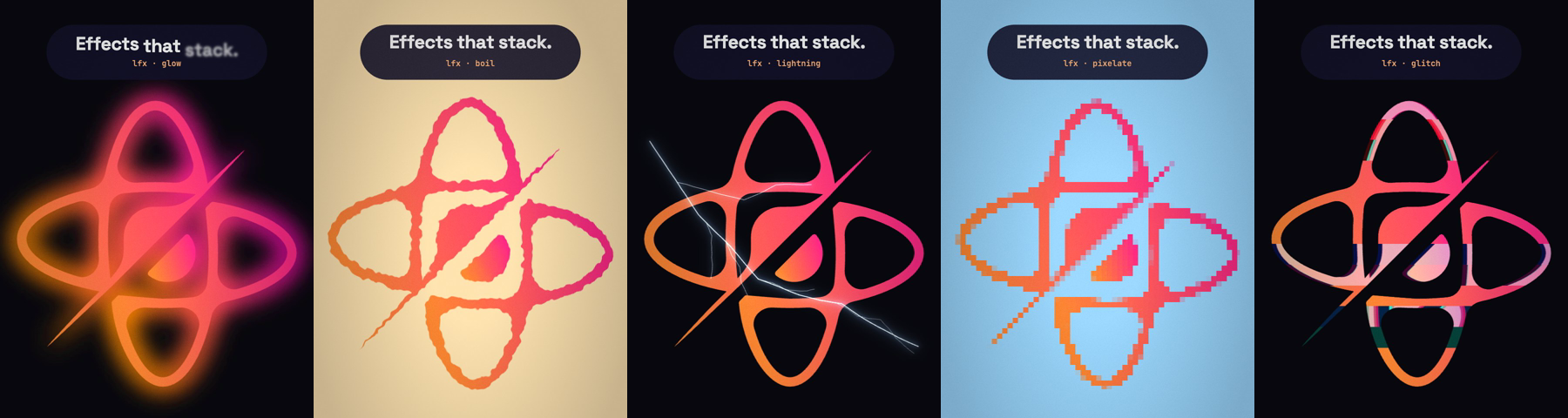
Drawing and hand-made motion. AtomCut has a Bézier pen, 43 pressure-sensitive brushes, a watercolour that bleeds and dries, a frame-by-frame flipbook with onion skinning, and shape morphing. Pikimov's documentation does not describe a drawing toolset.
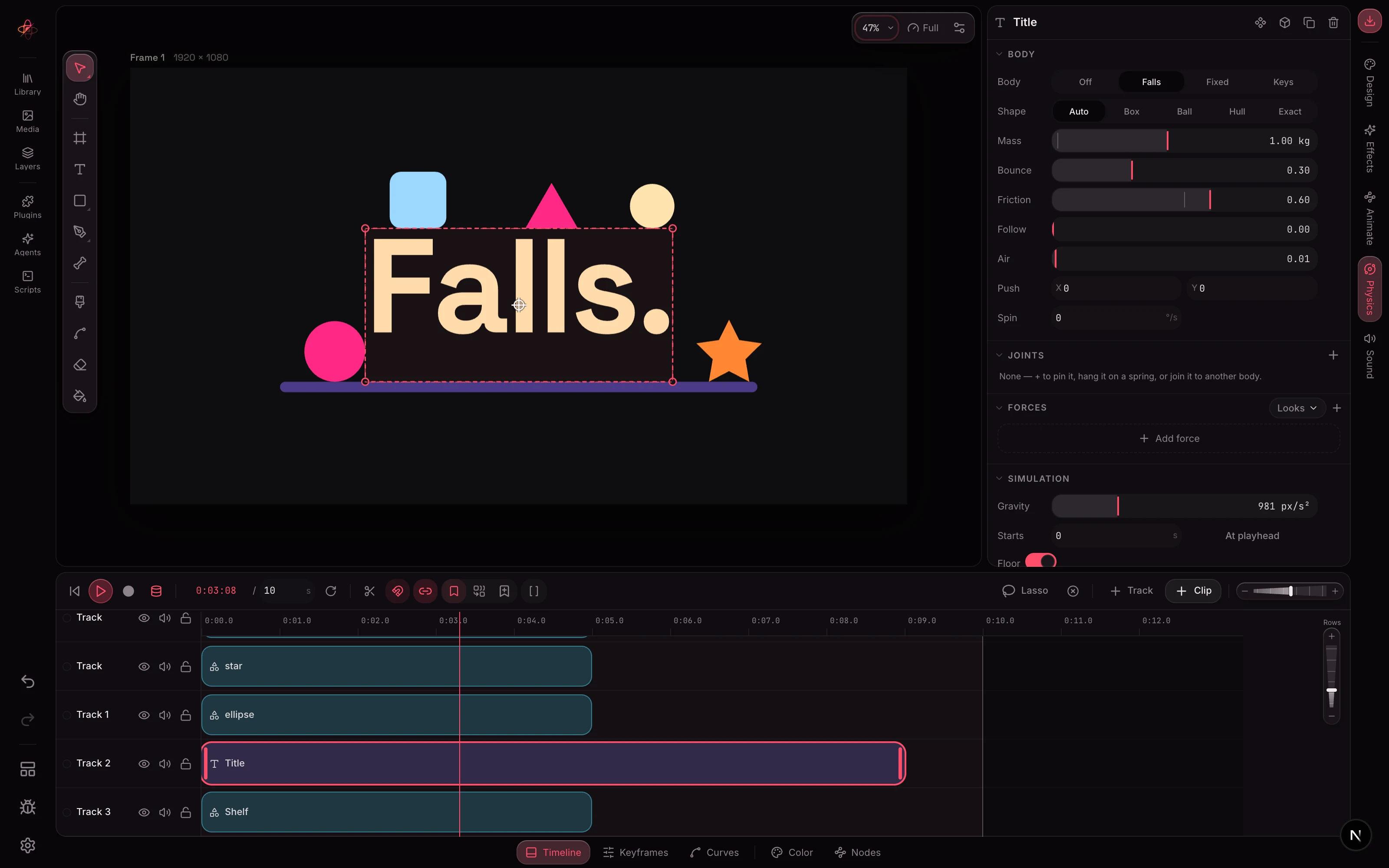
Physics and rigs. Right-click a layer, choose Physics › Falls, and it drops and lands on its real outline. Rigs bend art with IK and weight painting, and spring bones trail and settle. Every frame is exact, so you can scrub and export with nothing to bake.
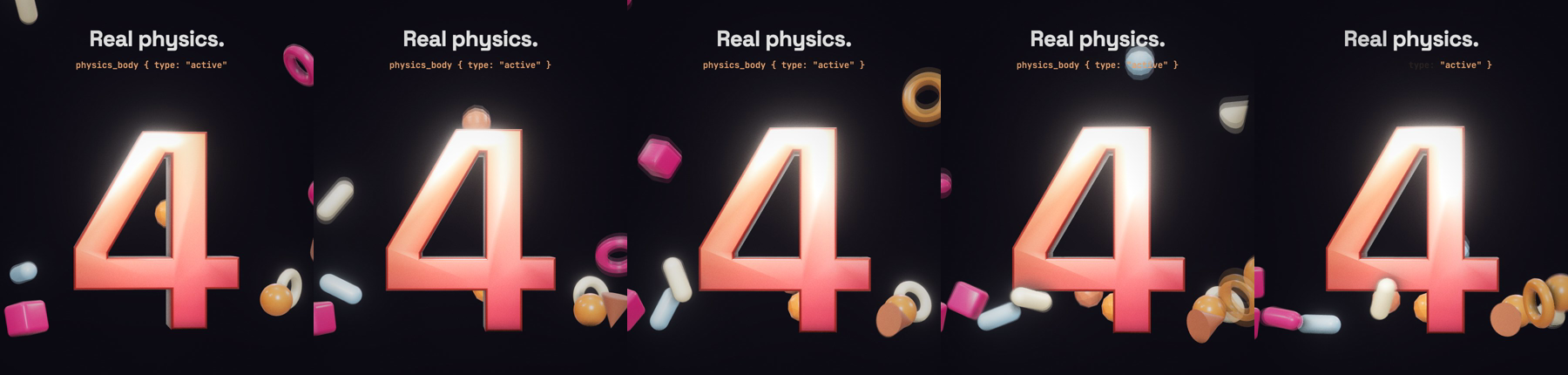
3D that is more than a camera. Pikimov's 3D compositions give you X, Y and Z transforms and a basic camera, which covers parallax and card flips. AtomCut's worlds add meshes, lights, materials, modifiers, extruded text with bevels, and an edit mode. It is still not Blender, and does not try to be.
Reach. AtomCut works with touch and on tablets, installs as a desktop app on macOS, Windows and Linux, and exports Lottie and SVG with a fidelity report. Pikimov's FAQ says it does not work on Safari, Firefox or iPad.
Which one should you pick?
- Pick Pikimov if you want zero cost to 4K, an After Effects-style workflow with expressions, and a particle generator today.
- Pick AtomCut if your work involves drawing, characters, physics, 3D scenes, sound design, Lottie or SVG export, or you need to work on a tablet or Firefox/Safari.
- Use both if you like. Neither locks your files in a cloud: both work locally in the browser.
FAQ
Is Pikimov really free? According to its FAQ, yes: "free forever", with optional support on Patreon, and a desktop app for Patreon supporters.
Does AtomCut need an account? No. You open it and work; Pro uses a licence key.
Which is better for After Effects users? Pikimov, for the interface and expression syntax. AtomCut for people who want drawing, physics and 3D in the same project.
Can either export Lottie? AtomCut can, with a fidelity report that lists what could not be carried over. The Pikimov documentation we read does not list Lottie.